youtube
How to download your Product Review youtube videos?
Ranjith M. •
#youtube#product reviews
Download product-review YouTube videos by finding the video on YouTube, pasting its URL into a YouTube downloader, and saving the file.
Step 1: Find a relevant product review
Let’s say your brand is: Gymshark
https://www.youtube.com/results?search_query=gymshark
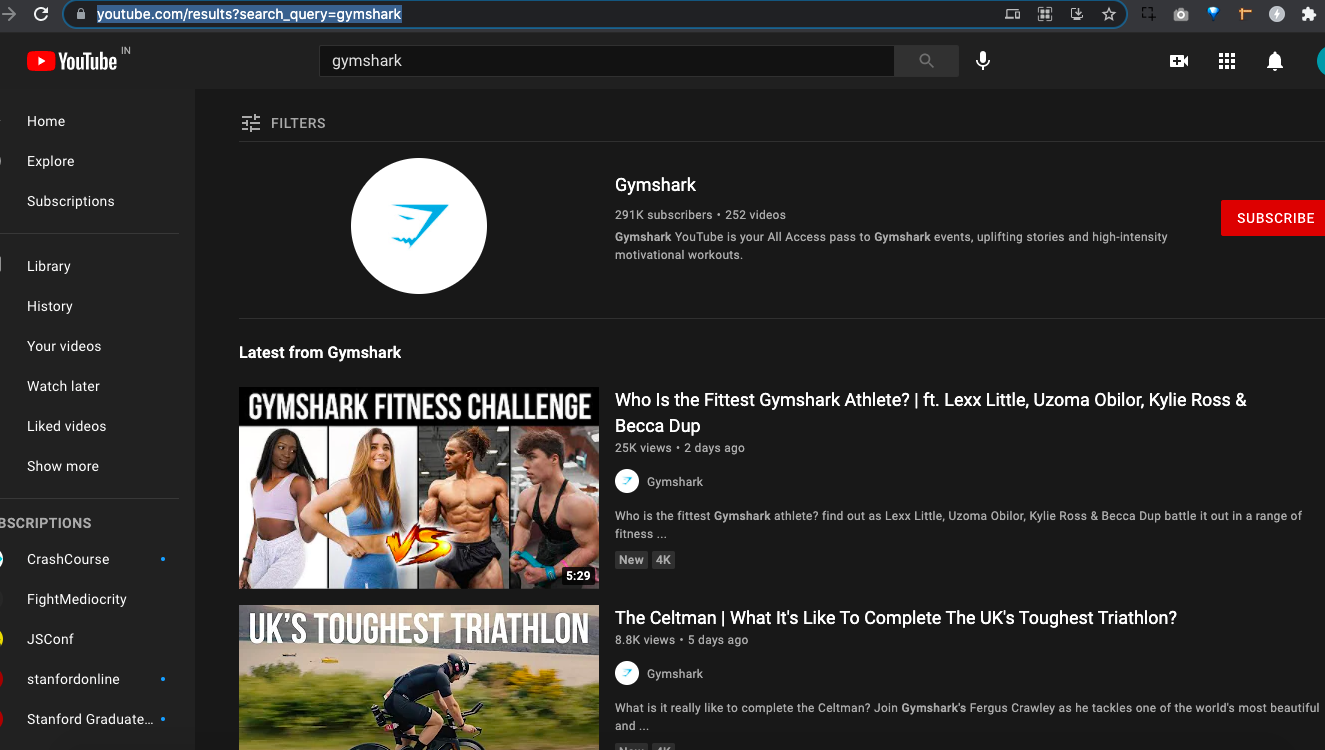 Youtube videos of Gymshark brand
Step 2: Copy the video link
open Youtube video downloader site: https://yt1s.com/en10
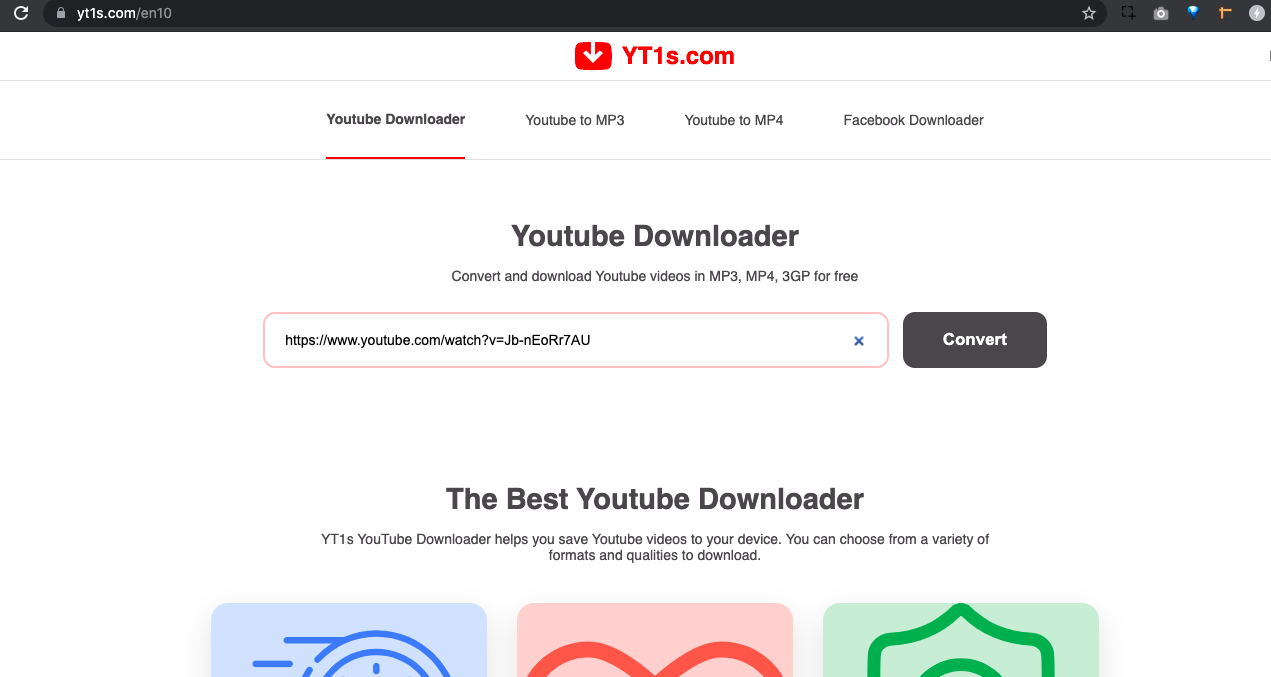 Paste the Youtube URL 🎉
Step 3: Save the video where permitted
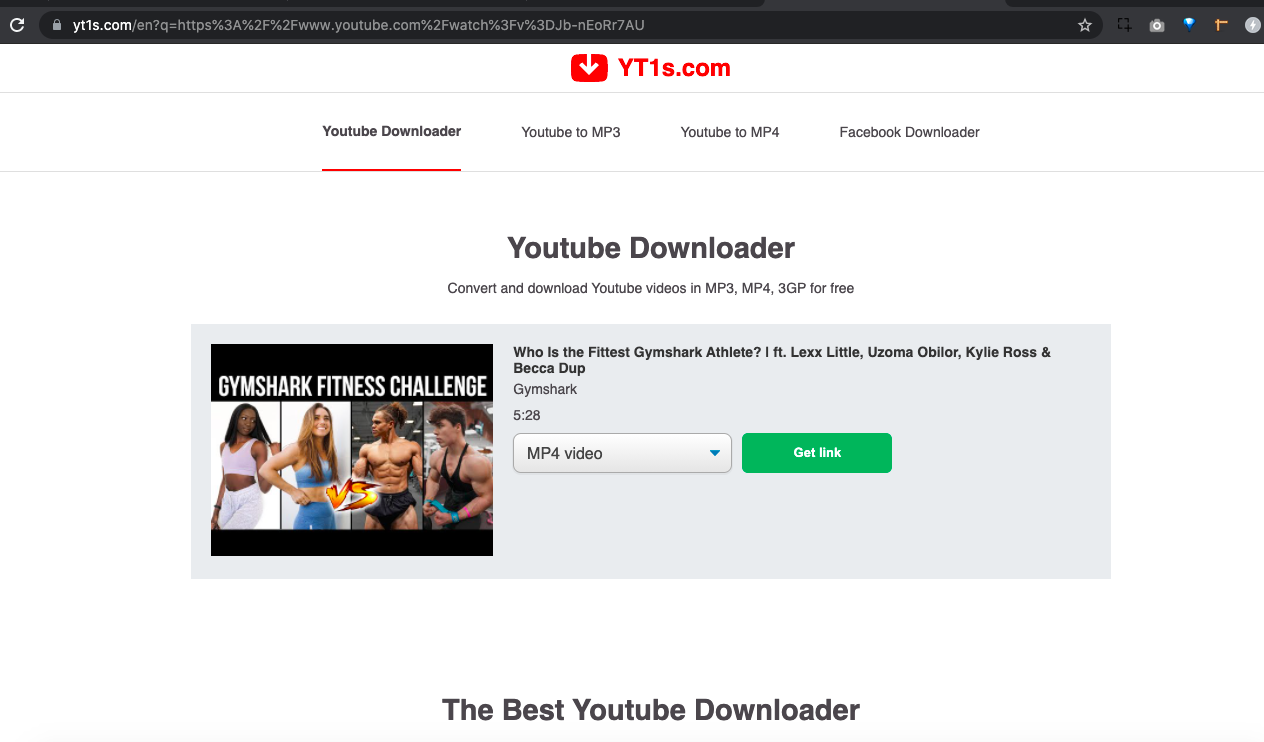 Click on the Get Link button
Only save or reuse a video when the creator and YouTube’s terms allow it. For a brand campaign, ask the creator for permission and retain the agreed usage details.
Click on the Get Link button
Only save or reuse a video when the creator and YouTube’s terms allow it. For a brand campaign, ask the creator for permission and retain the agreed usage details.