如何与 Ecomposer 应用集成?
按照以下链接中的步骤添加自定义 Shopify Liquid 代码。 https://help.ecomposer.io/docs/editor-elements/shopify-elements/code/
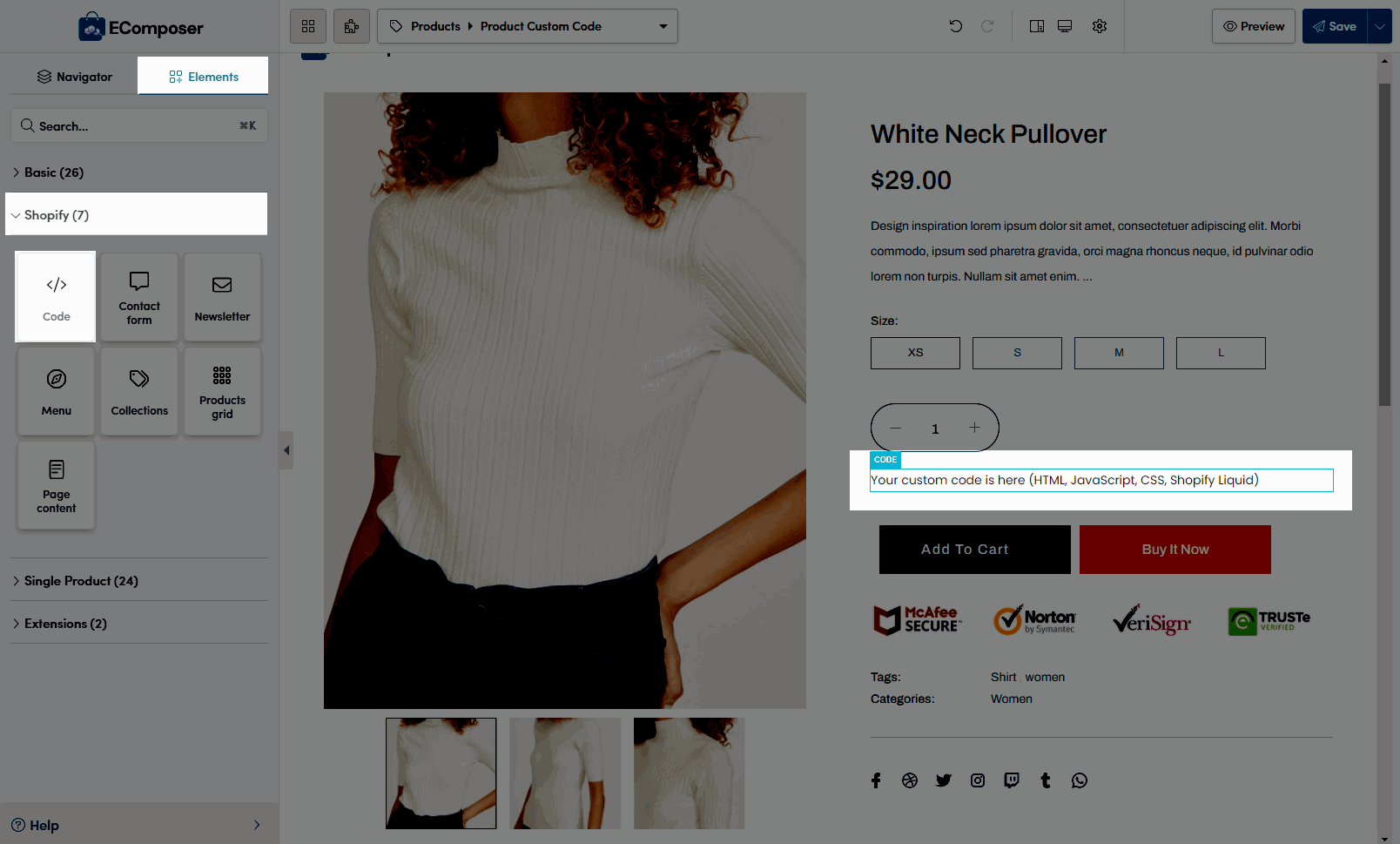
需要复制并粘贴的 Liquid 代码:
<div class="wizup-app sg-floatingpop" data-myshopifydomain="{{ shop.permanent_domain }}" data-widgettype="reels" data-productid="{{ product.id }}" data-collectionid="{{ collection.id }}" data-templatename="{{ template.name }}" > </div>注意:
- 替换 data-widgettype
reels对应滑块小组件。stories_type对应故事小组件。banner_type对应横幅小组件。grid_type对应网格小组件。spotlight_type对应聚焦小组件。
重要提示:请从 Shopify 主题编辑器中激活应用嵌入 "Vizup Embed"。
观看以下 6 秒视频,了解如何启用应用嵌入 FloatPop Reels: