How to delete a widget?
If you no longer need a widget, you can delete it from its settings in the Vizup Videos app.
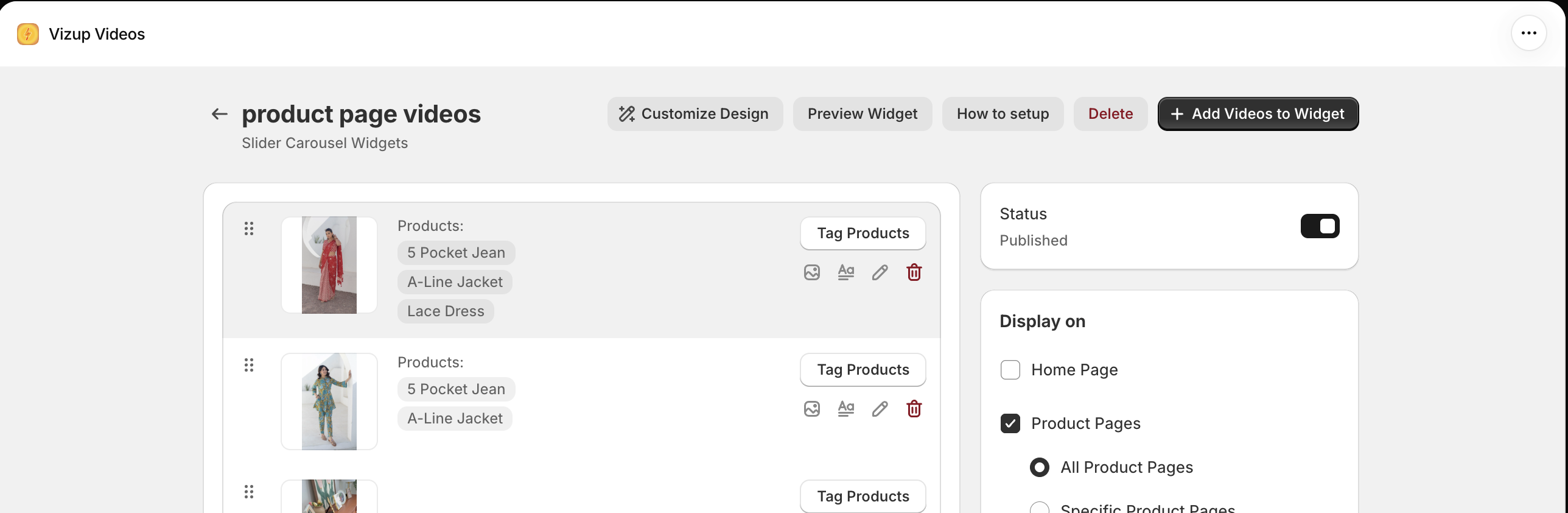
Delete a widget
- In Shopify admin, open Apps > Vizup Videos.
- Open the widget you want to delete.
- In the widget settings, click Delete in the top toolbar.
- If a confirmation prompt appears, confirm that you want to delete the widget.
This removes the selected widget. To remove only one video, click the trash icon on that video’s row instead.